Rulers
You can use rulers to measure distances and areas on a map.
DISTANCE RULER |
AREA RULER |
|
|
Measure Distances
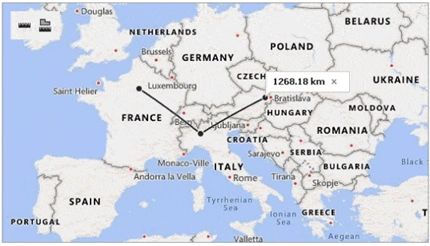
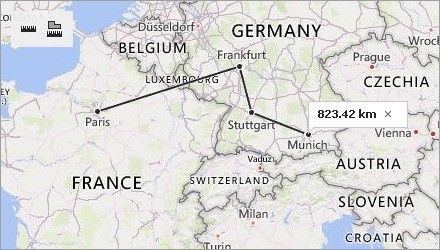
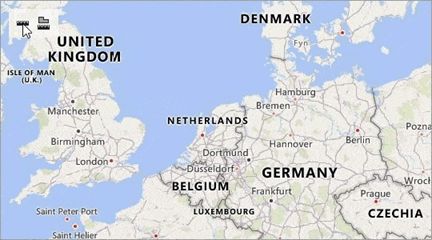
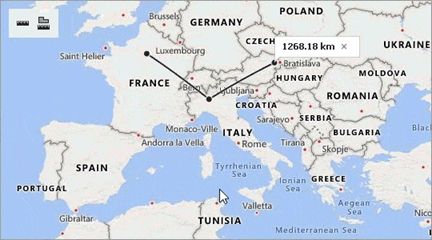
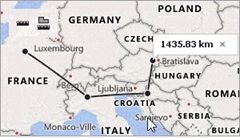
Click the  button to create a ruler. This ruler calculates the distance between two or more points on a map. The total distance is shown in a map callout. Note that measurements ignore changes in elevation.
Click an intermediate point on the ruler to see the distance to this point.
Measure Areas
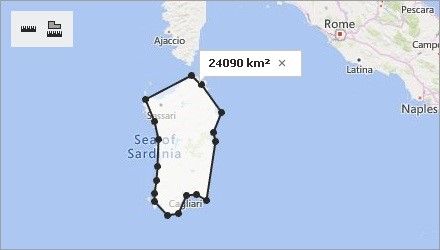
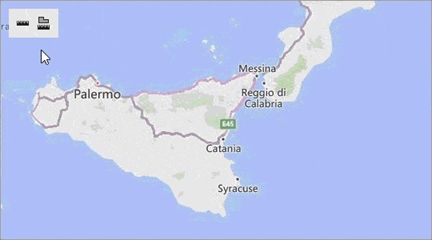
Click  button to create an area ruler. This ruler calculates the area inside a polygon. The result is shown in a map callout.
Configure Rulers
After you add a ruler to a map, you can perform the following actions:
•Add a ruler point. Click the position on the ruler where you want to add a point.
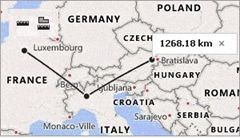
•Change the ruler polyline. Click and drag the point to a new location.
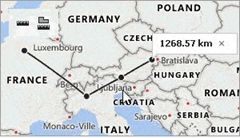
•Delete a ruler point. Double-click the ruler point. You can delete a point when the ruler contains more than two points. You can remove the entire ruler if it contains only two points.
Remove Rulers
You can click the cross button on the map callout that displays the measurement results to remove a ruler.