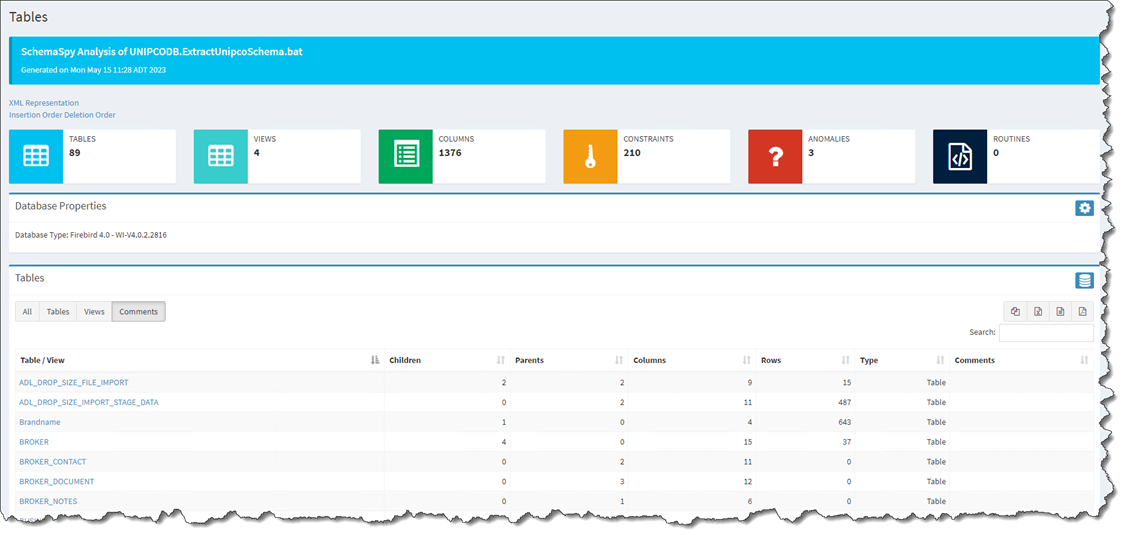
The documentation for the database structure can be found at: http://192.168.120.111:5400
ODBC Data Source settings when adding a data source to Power BI:
•ODBC Datasource Name: UnipcoRHOP
•Database username: POWERBI
•Database password: Power2023$#@
Note: The database user POWERBI has read-only access to the database tables. Also, some tables were not given any access(security and others), because those tables are used internally by the application framework that make RHOP work and no Unipco business related information is contained in them.
The following fields may be found in most of the tables, but do not contain Unipco business information:
•OptimisticLockField
•GCRecord: Although not containing any information to display, this field can be used to filter out any record that were deleted within RHOP. This field will contain a value if the record was deleted in RHOP.