Resize Rows and Columns in Vertical Grids
Resize Rows
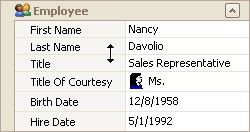
To resize a row, drag the row header's bottom edge vertically.
Resize Columns
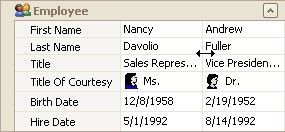
To resize data columns, drag a separator between data columns horizontally.
To resize the header column, do one of the following.
Drag the header column's right edge.
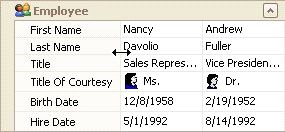
Press CTRL+LEFT ARROW to decrease the header column's width.
Press CTRL+RIGHT ARROW to increase the header
To resize headers to the minimum width while making sure all content is visible, double-click a header's right edge.