Note: This will only work for the invoices that were generated using the Supplier/Distributor Invoicing function.
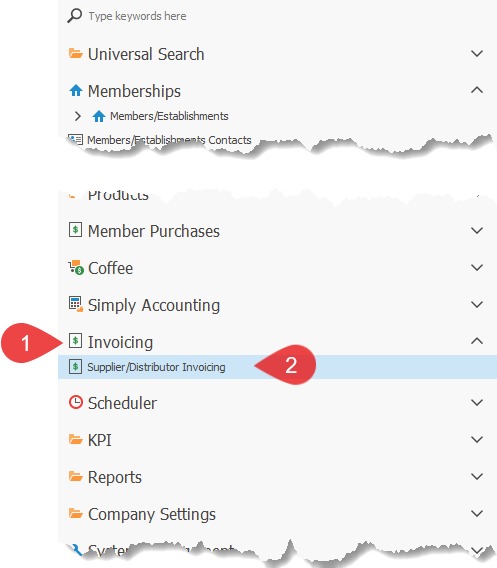
1.Click on the Invoicing menu option to open the menu section.
2.Click on the Supplier/Distributor Invoicing menu option, to open the Supplier/Distributor Invoicing screen(as shown below)

3.Double-click on the batch where you want to delete the invoices from.
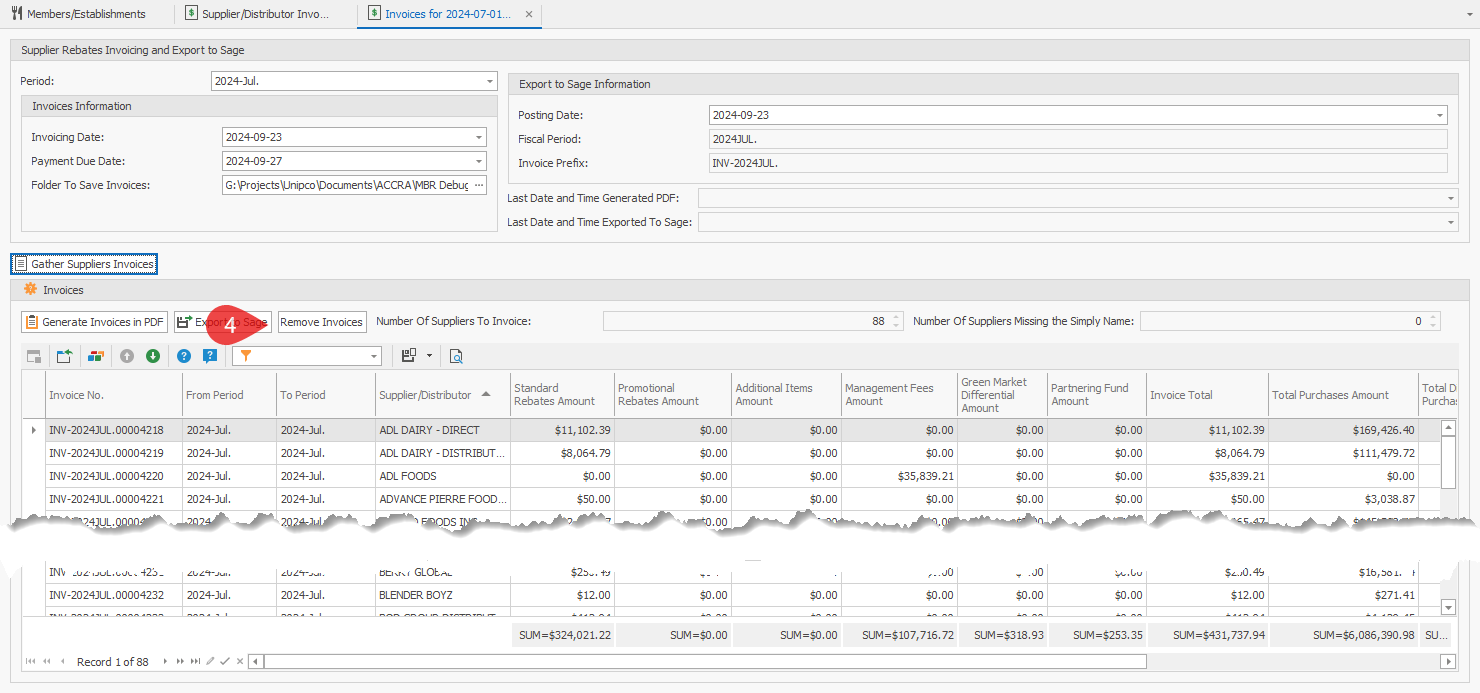
4.Click on th4e Remove Invoices button.
5.You will be prompted to confirm that it is the correct period. This is to ensure that you are removing the invoices from the correct batch.
6.Once completed, you may be asked to Save some data, choose Yes, otherwise the removal might not be successful.