Map Types Overview
The Dashboard Designer allows you to create three types of Geo Point maps.
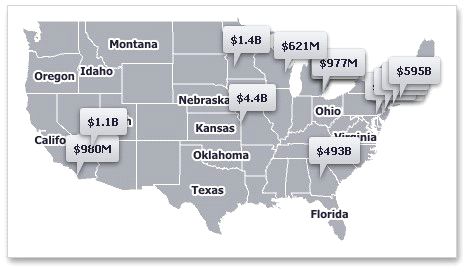
The Geo Point Map dashboard item allows you to place callouts on the map using geographical coordinates.
The Bubble Map dashboard item allows you to place bubbles on the map. Each bubble can represent data using its weight and color.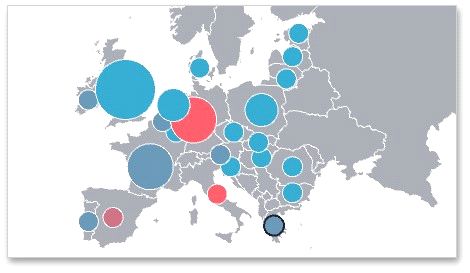
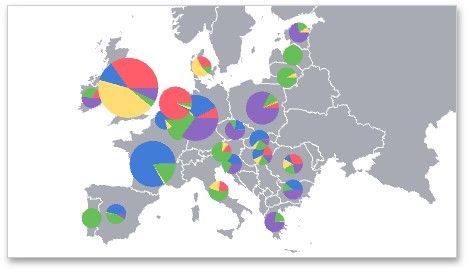
The Pie Map dashboard item allows you to display pies on the map. Each pie visualizes the contribution of each value to the total.
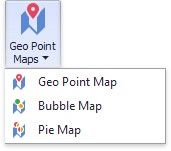
To create the required Geo Point Map dashboard item, use the Geo Point Maps button in the Home ribbon tab.
To learn more about common capabilities of all Geo Point map types, see the following topics.
 Providing Maps
Explains how to use default dashboard maps or provide custom maps.
 Clustering
Describes the feature that enables grouping of neighboring map objects.
Interactivity
Describes features that enable interaction between the Geo Point maps and other dashboard items.
Labels
Describes how to display additional information related to map shapes.
Map Navigation
Explains how to manage map zooming and scrolling.