Item Resizing
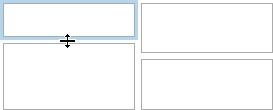
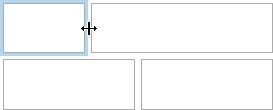
You can resize individual items/groups of items by dragging their edges.
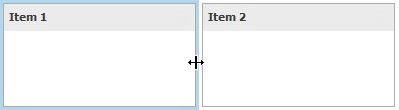
By default, a 2x2 layout group of dashboard items is horizontally oriented and contains two child layout groups. This arranges dashboard items in two 'columns' and allows you to set a different height for items in different columns. You can switch the orientation of the 2x2 group to Vertical using the indicator at the group intersection.
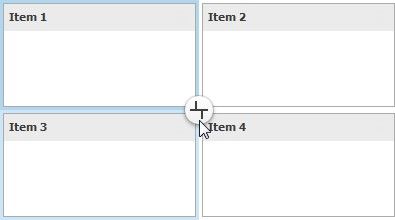
This allows you to specify different widths for dashboard items in different 'rows'. The table below lists and describes different modes.
INDICATOR |
RESULT |
DESCRIPTION |
|
|
Orients the layout group horizontally and allows you to change the height of individual items and the width of 'columns'. |
|
|
Orients the layout group vertically and allows you to change the width of individual items and the height of 'rows'. |