Grouping
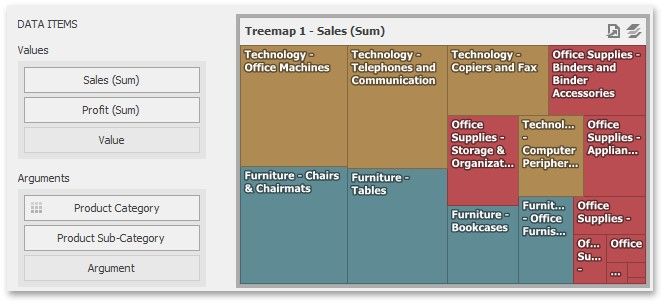
If you use several arguments in the Treemap, you can group tiles corresponding to child values by parent values. For instance, the following Treemap dashboard item displays combinations of categories and sub-categories.
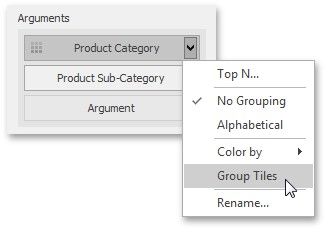
To group sub-categories inside corresponding categories, click the Product Category menu button and select Group Tiles.
Product tiles will be grouped into category groups.
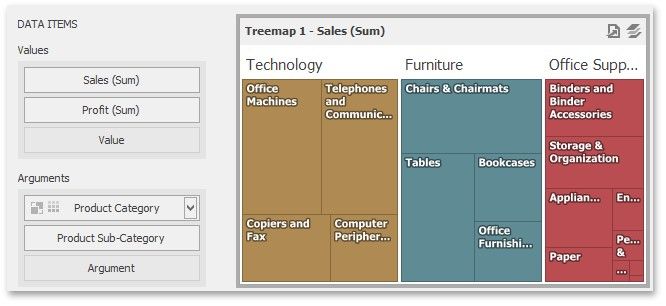
Note that the  icon will be displayed within the Product Category dimension.