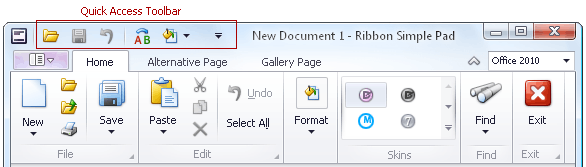
Frequently used commands are typically displayed within the Quick Access Toolbar, at the top of the Ribbon:
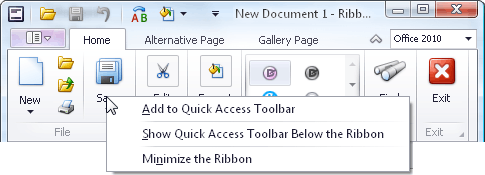
To add any command to the Quick Access Toolbar, right-click the command and select Add to Quick Access Toolbar:
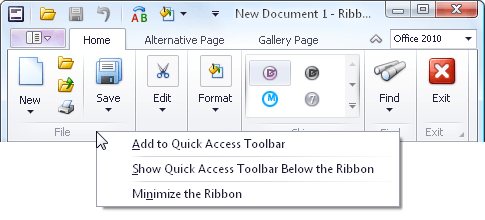
To add a group of commands to the Quick Access Toolbar, right-click the group's caption and select Add to Quick Access Toolbar:
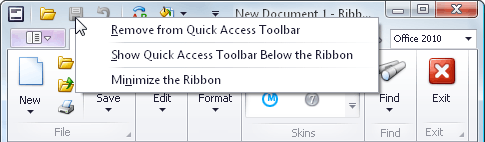
To remove any command from the Quick Access Toolbar, right-click the command and select Remove from Quick Access Toolbar: