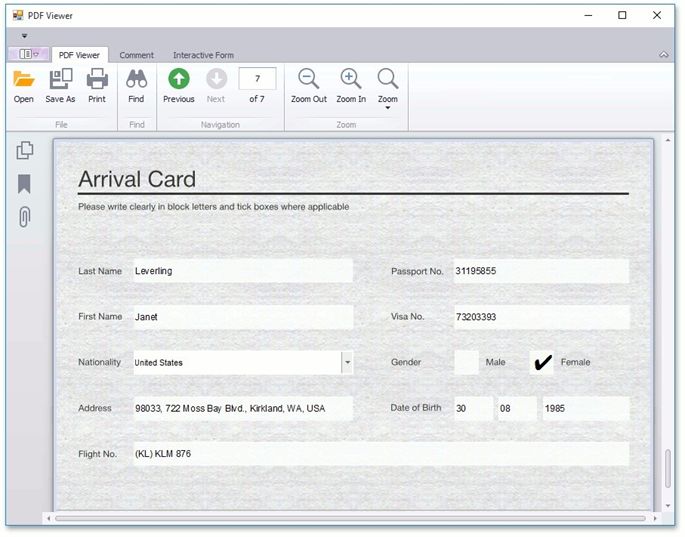
Export and Import the AcroForm Data
This document describes how to export and import a document with AcroForm data.
Export
To export a PDF document with interactive forms to supported formats (FDF, XFDF, XML or TXT).
Click the Export button on the PDF Viewer's toolbar (if you use a Ribbon toolbar, you can find this button in the Interactive Form tab).
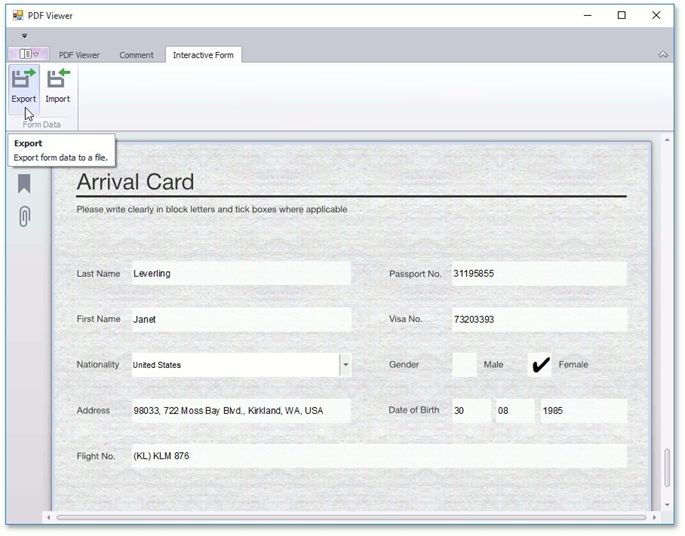
The Save As dialog appears.
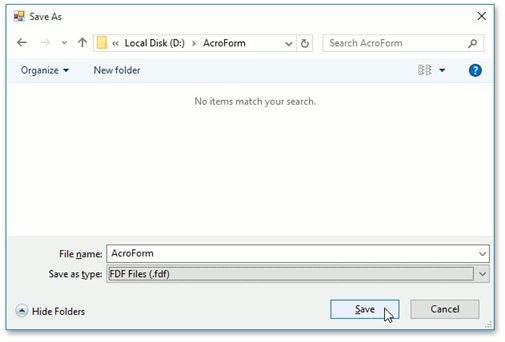
In this dialog you specify a file name, and the format in which the document should be exported (FDF, XFDF, XML or TXT). To save a document, click Save, as shown above.
Import
To import a document that contains interactive forms from FDF, XFDF, XML or TXT:
Click the Import button on the PDF toolbar (in the Ribbon toolbar you can find this button in the Interactive Form tab).
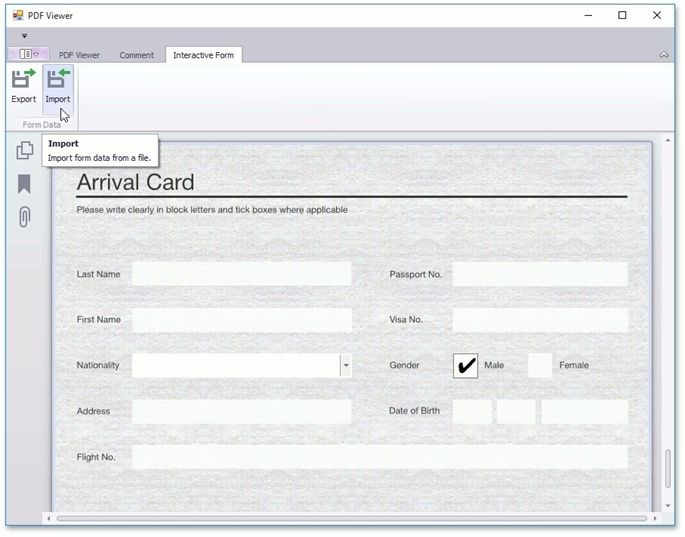
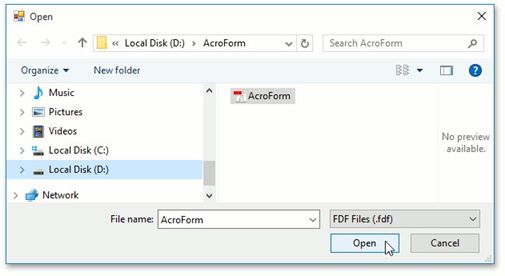
This invokes the Open dialog box, where you can choose a file with interactive forms (e.g., in the FDF format) to import data.
To perform import, click Open
The imported document is shown below.