Edit Connection Parameters
After you connected to the data store and selected the required data, you can edit the connection parameters used to establish a connection.
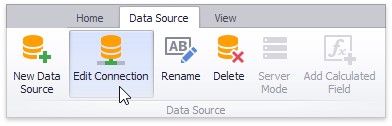
To edit connection parameters for the selected data source, click the Edit Connection button in the Data Source ribbon tab.
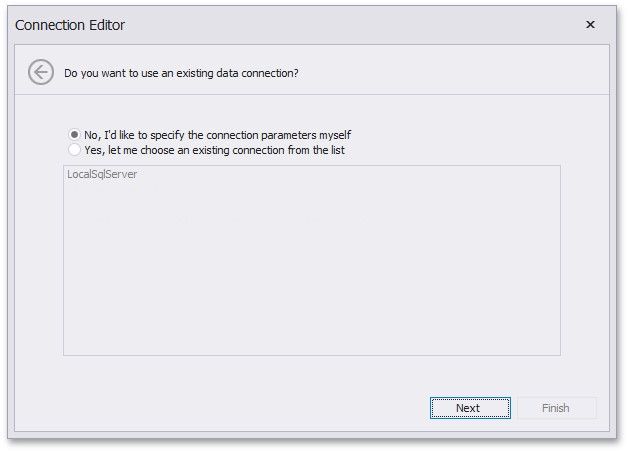
In the invoked Connection Editon dialog, click Next.
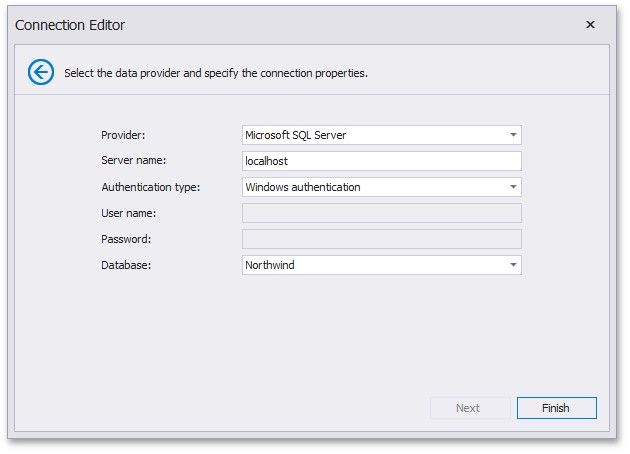
On the next page, you can specify new connection parameters.