Connect to EF Data Sources
To bind a dashboard to an Entity Framework data source from the current project, do the following.
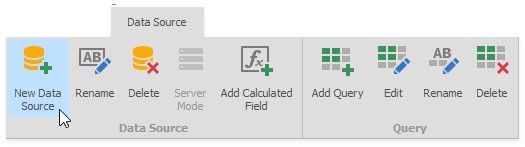
1.Click the New Data Source button in the Data Source ribbon tab.
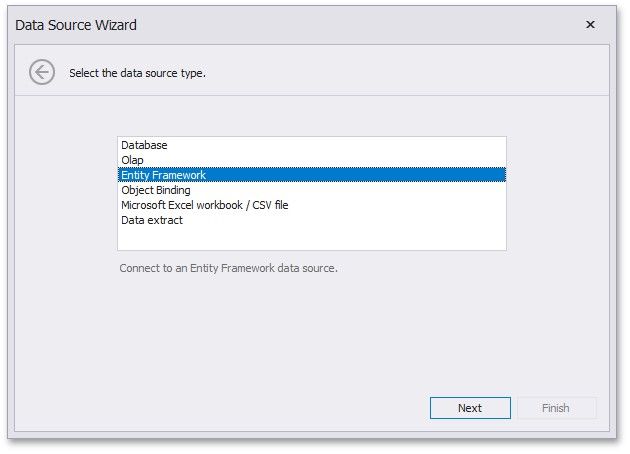
2.On the first page of the invoked Data Source Wizard dialog, select Entity Framework and click Next.
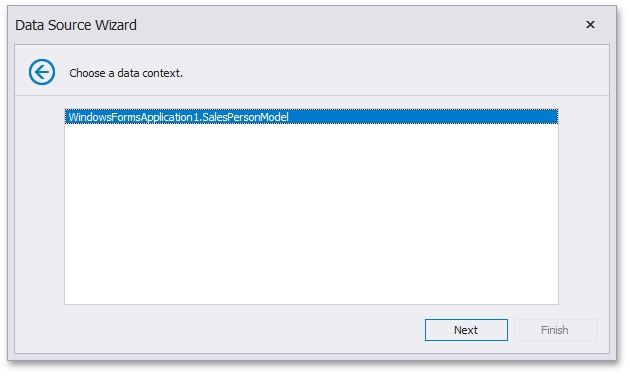
3.On the next page, select the available data context and click Next.
4.On the final page, choose the connection string corresponding to the selected data context and click Finish.
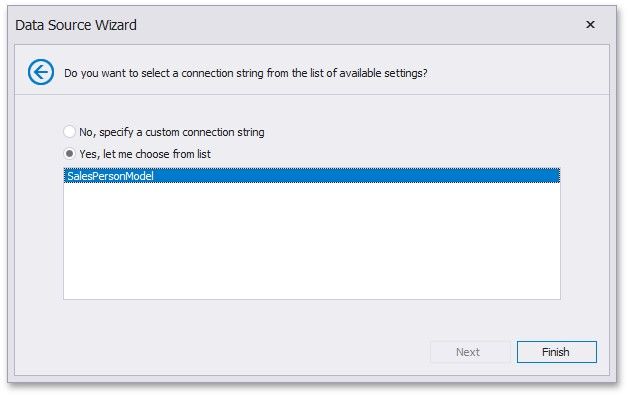
If the application configuration file does not contain the required connection string, or you need to specify the connection string manually, select No, specify a custom connection string and click Next.
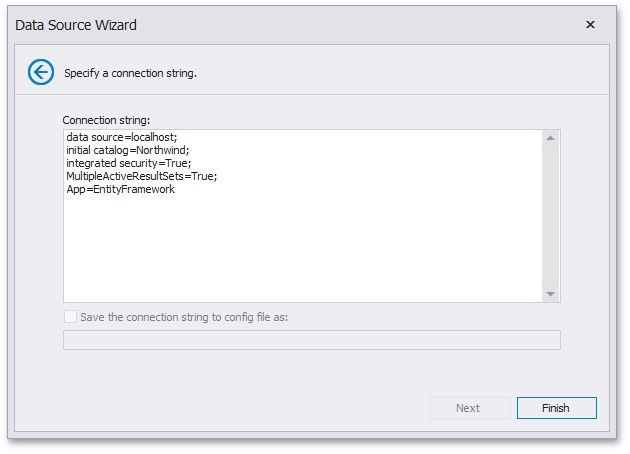
On this page, specify a custom connection string and click Finish. This creates the data source and displays its fields in the Data Source Browser.