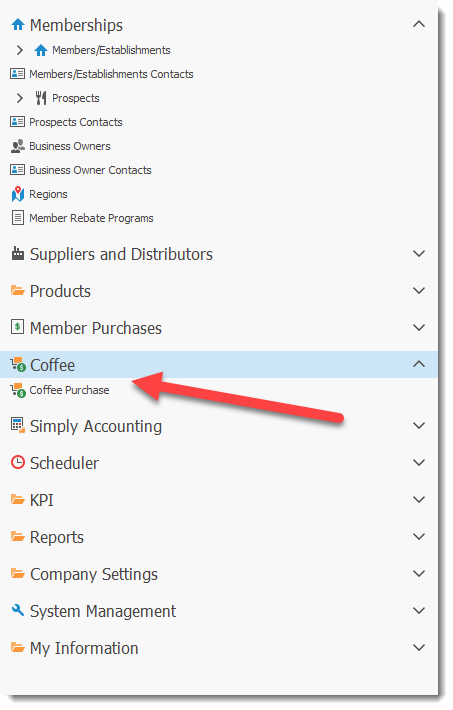
The coffee section is designed to assist in the management of Coffee.
The coffee management tool makes use of the data entered in the System Management, Product Guide Item and Rebate
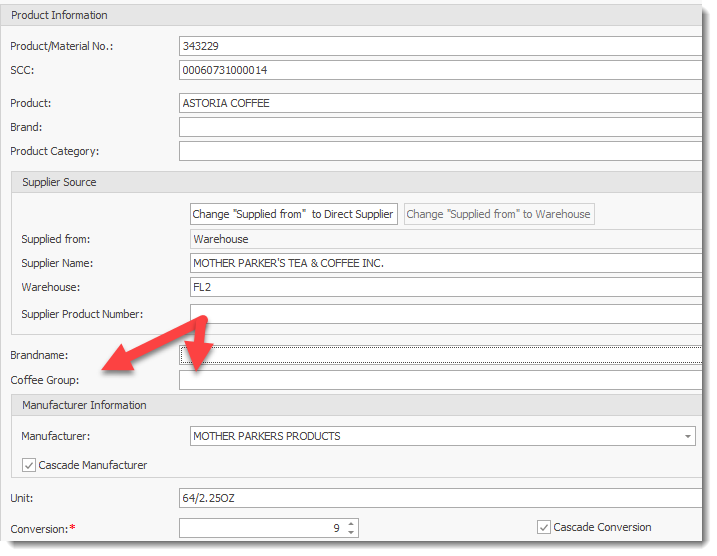
Coffee Module allows users to create the Coffee Groups to track. The group names entered in this pick list is displayed in the Product Information screen.
Product Information: In the Product Guide / Product Information screen, users must identify the Coffee Group associated with the product. The Coffee Group selected for the product will be used for tracking purposes. If no Coffee Group is identified for a product, no tracking will occur. The product Group pick list is the list created In the System Management / Product Related / Coffee Group entry screen.