Code 128
Code 128 is a very effective, high-density symbology which permits the encoding of alphanumeric data. The symbology includes a checksum digit for verification, and the barcode can also be verified character-by-character, allowing the parity of each data byte to be verified.
This symbology has been widely implemented in many applications where a relatively large amount of data must be encoded in a relatively small amount of space. Its specific structure also allows numerical data to be effectively encoded at double-density.
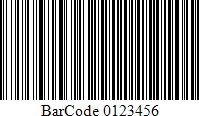
Add the Barcode to a Report
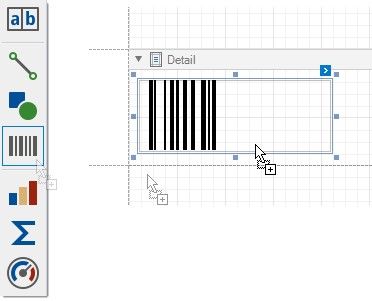
1.Drag the Barcode item from the report controls toolbox tab and drop it onto the report.
2.Set the control’s Symbology property to Code128.
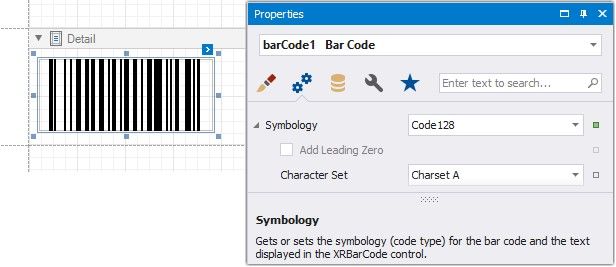
3.Specify common barcode properties and properties specific to Code 128.
Specific Properties
In the property grid, expand the Symbology list and specify the following property specific to Code 128:
Character Set
Specifies the set of symbols which can be used when setting the barcode's text.