Code 93
Code 93 was designed to supplement and improve upon Code 39.
Code 93 is similar in that, like Code 39, can represent the full ASCII character set by using combinations of 2 characters. It differs in that Code 93 is a continuous symbology and produces denser code. It also encodes 47 characters (compared to Code 39's 43 characters).
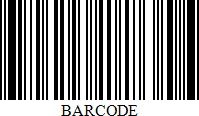
Add the Barcode to a Report
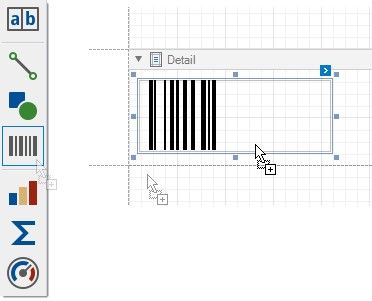
1.Drag the Barcode item from the report controls toolbox tab and drop it onto the report.
2.Set the control’s Symbology property to Code93.
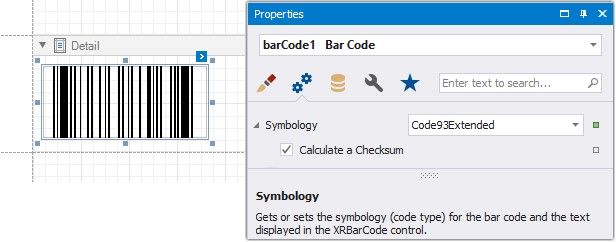
3.Specify common barcode properties and properties specific to Code 93.
Specific Properties
In the property grid, expand the Symbology list and specify the following property specific to Code 93:
Calculate a Checksum
Specifies whether to calculate a checksum for the barcode.