Changing Sort Order
The sort order of dimension values is indicated with an arrow.
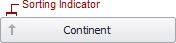
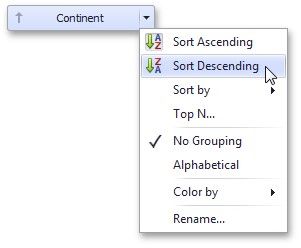
To change the sort order in the Designer, click the data item. You can also toggle sorting from the data item menu.
|
<< Click to Display Table of Contents >> Navigation: Dashboard Designer > Data Shaping > Sorting > Changing Sort Order |
Changing Sort Order
The sort order of dimension values is indicated with an arrow.
To change the sort order in the Designer, click the data item. You can also toggle sorting from the data item menu.