Binding to XPO Data Sources
To connect to the XPO data source, perform the following steps.
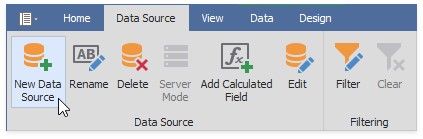
1.Click the New Data Source button in the Data Source ribbon tab.
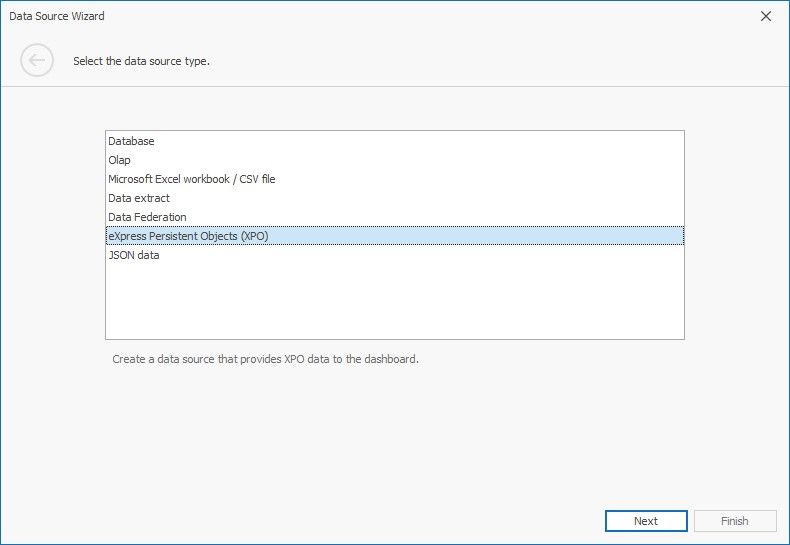
2.On the first page of the invoked Data Source Wizard dialog, select eXpress Persistent Objects (XPO) and click Next.
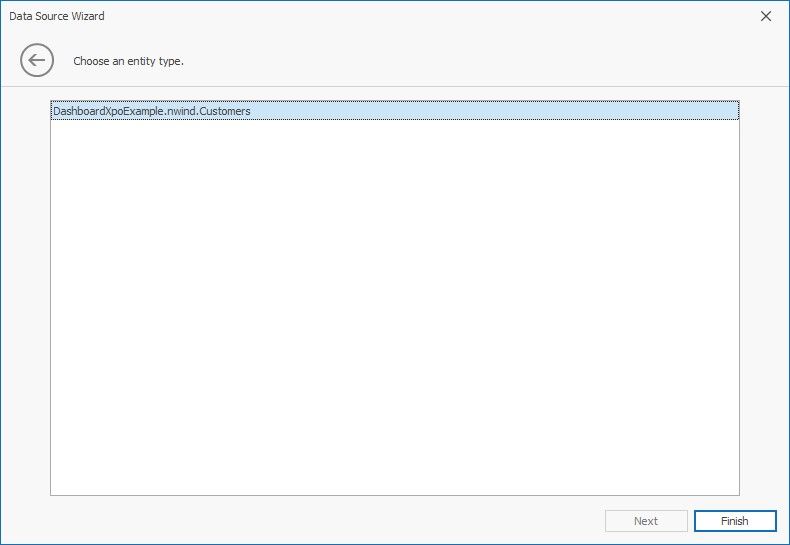
3.Choose the available entity type.