Requesting Parameter Values
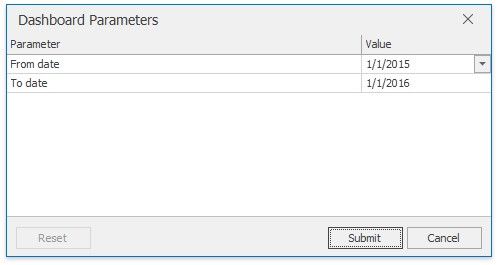
The Dashboard Viewer provides a built-in Dashboard Parameters dialog, which allows you to change dashboard parameter values.
This dialog can be used to apply filtering to dashboard data.
To invoke the Dashboard Parameters dialog in the Dashboard Viewer, click the Parameters button (the  icon) in the dashboard title.
Select the required parameter values in the Dashboard Parameters dialog and click the Submit button to apply the changes.
To reset changes to the default values, click the Reset button.