Filter elements provide the capability to filter other dashboard items.
Combo Box
The Combo Box dashboard item allows you to select a value(s) from the drop-down list.
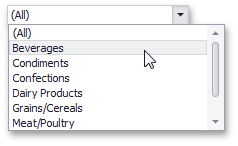
•The Standard type allows you to select only a single value.
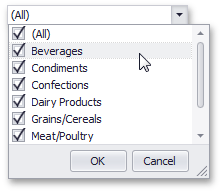
•The Checked type allows you to select multiple values in the invoked drop-down list.
List Box
The List Box dashboard item allows you to select a value(s) from the list.
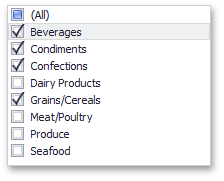
•The Checked type allows you to select multiple values in the list box.
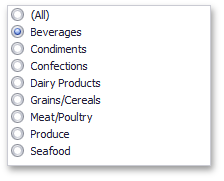
•The Radio type allows you to select only a single value in the radio group.
Tree View
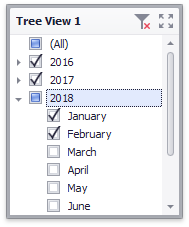
The Tree View dashboard item displays values in a hierarchical way and allows you to expand/collapse nodes.
Date Filter
The Date Filter dashboard item allows you to filter dashboard data based on the selected data range. The range can be relative (Last 3 Months), use fixed dates (01-01-2018), or presets (Month-to-date). You can also filter dates before or after a specified date.
The DateFilter item displays a set of intervals that can be used as quick filters.
