Drill-Down
Dashboard provides the drill-down feature, which allows you to change the detail level of data displayed in a dashboard item. This feature allows you to drill down to display the details, or drill up to view more general information.
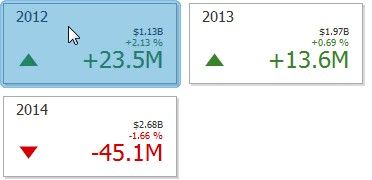
To learn how to drill down using a particular dashboard item, refer to the documentation for this item in the Dashboard Items topic.
To return to the previous detail level (drill up), use the Drill Up button (the  icon) in the dashboard item's caption, or the corresponding command in the context menu.